At an early-stage SaaS company, support is not a department — it is whoever is closest to the inbox. That usually means a founder or an engineer, and every ticket they answer is an hour not spent building the product. The same 15 questions, over and over, quietly become one of the most expensive things your smallest team does.
You do not fix this by hiring a support team you cannot yet afford. You fix it by automating the tier-1 layer so that your people only touch the tickets that actually need them. Here is a practical playbook to do exactly that.
What tier-1 really means for SaaS
Tier-1 is the repetitive, answerable layer of support — the questions that have a known answer sitting in your docs or your own head. For most early SaaS products, a large share of inbound tickets are variations of a short list: how do I do X, why was I charged, how do I reset this, is the service down, where is this setting. These are not hard. They are just relentless.
The tickets that genuinely need a human — real bugs, account-specific investigations, frustrated customers, enterprise conversations — are a different and smaller category. The goal of automation is to cleanly separate the two so your team stops spending its scarcest hours on the easy half.
Step 1: Mine your own tickets
Do not start by guessing what to automate. Start by reading. Go through your last few weeks of support — inbox, Slack, chat, wherever it lives — and tally the recurring questions. You will almost always find that a short list of 15 to 20 questions accounts for the majority of your volume. That list is your automation roadmap, ranked by frequency.
Step 2: Turn your docs into a grounded knowledge base
Your help centre, onboarding guides, and FAQ are the raw material. Feed them to an AI assistant that answers only from that verified content, so it explains your product accurately instead of inventing plausible-sounding nonsense. If a question from your top-20 list has no good doc behind it, that is a signal to write one — the exercise improves your documentation either way.
Step 3: Map every ticket type to an action
Sort your common tickets into three buckets and design for each:
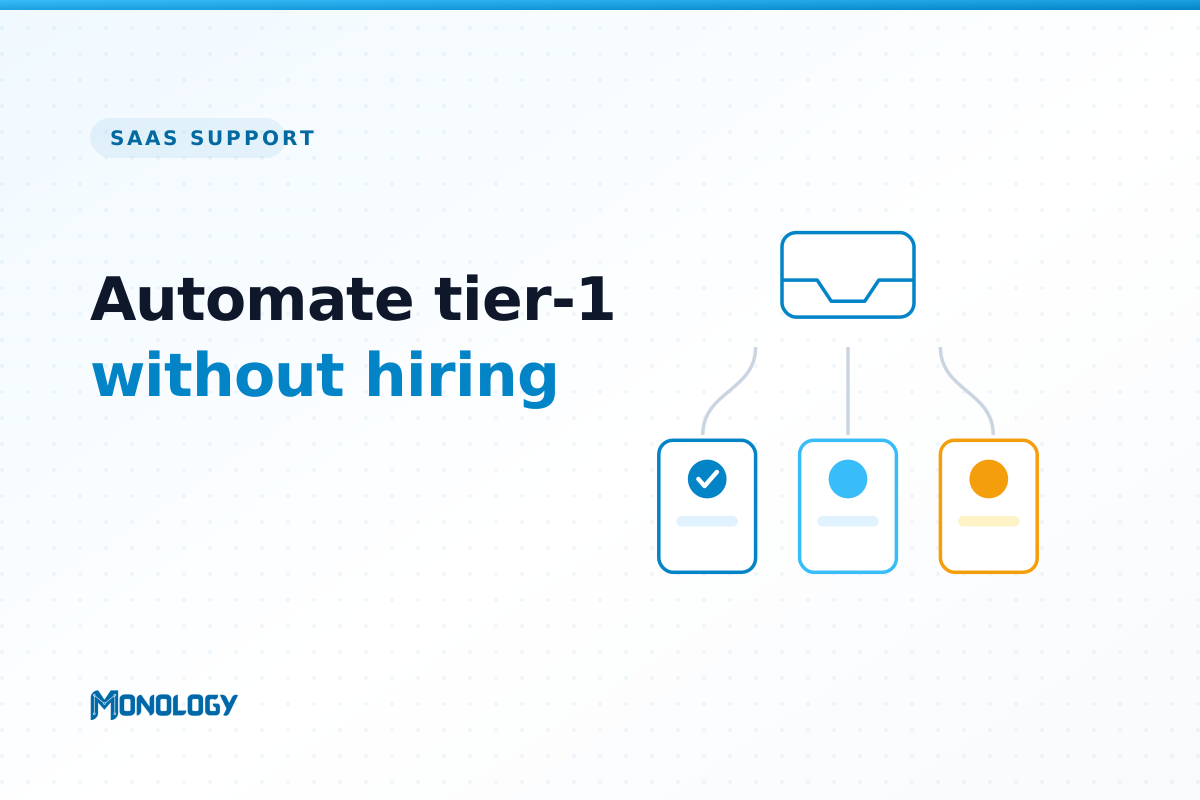
- Automate: how-to questions, billing basics, feature explanations, status checks. The assistant answers directly from your knowledge base.
- Assist: multi-step troubleshooting. Use branching logic to walk the customer through the standard diagnostic path before deciding whether a human is needed.
- Escalate: bugs, account-specific issues, anything emotionally charged. The assistant collects the details and hands off.
Step 4: Design the escalation, not just the answers
The fastest way to make customers hate your chatbot is to trap them in it. Every flow needs a visible, low-friction path to a human — and when the handoff happens, it should carry the full conversation with it so the customer never repeats themselves. Good escalation is what earns you permission to automate the rest.
Step 5: Wire in real actions
A tier-1 assistant should do more than talk. Connect it to the tools you already use so it can create a ticket, post an alert to your team’s Slack channel for anything urgent, or send the customer the exact doc link they need. This is the difference between a chatbot and an actual first line of support.
Step 6: Measure containment and iterate
Put it live and watch two numbers for 30 days: containment (the share of conversations resolved without a human) and satisfaction (are contained conversations actually helping, or just deflecting frustration?). Where containment is low, you have found a documentation gap. Fill it, and containment climbs. Support automation is not a one-time setup; it is a short, tight feedback loop.
A bonus you get for free: onboarding
The same grounded assistant that answers support questions can guide new users through activation — pointing them to the next step, explaining a feature at the moment they need it, and quietly reducing the churn that comes from confusion. For early SaaS, support and onboarding are the same muscle.
What not to automate yet
Be deliberate about the edges. Cancellations and refunds, security incidents, and enterprise or contract questions are better kept human at this stage — the risk of a wrong automated answer outweighs the time saved. Automation is about removing the repetitive 60 to 70 percent, not chasing 100 percent.
The point is not zero humans
The goal of this playbook is not a support team of robots. It is a founder who answers five real questions a day instead of fifty trivial ones — and a small team that spends its limited hours where they actually move the product forward. That is the version of support automation worth building.
Monology’s SaaS support and onboarding hub is built around exactly this flow: a grounded knowledge base, branching and forms for triage, real actions into your stack, and analytics to close the loop.