Ask most chatbots to do something and they will politely tell you how to do it yourself. ‘To open a support ticket, please email support at our address.’ ‘To update your details, log into your account.’ They inform, but the actual work still lands back on a human.
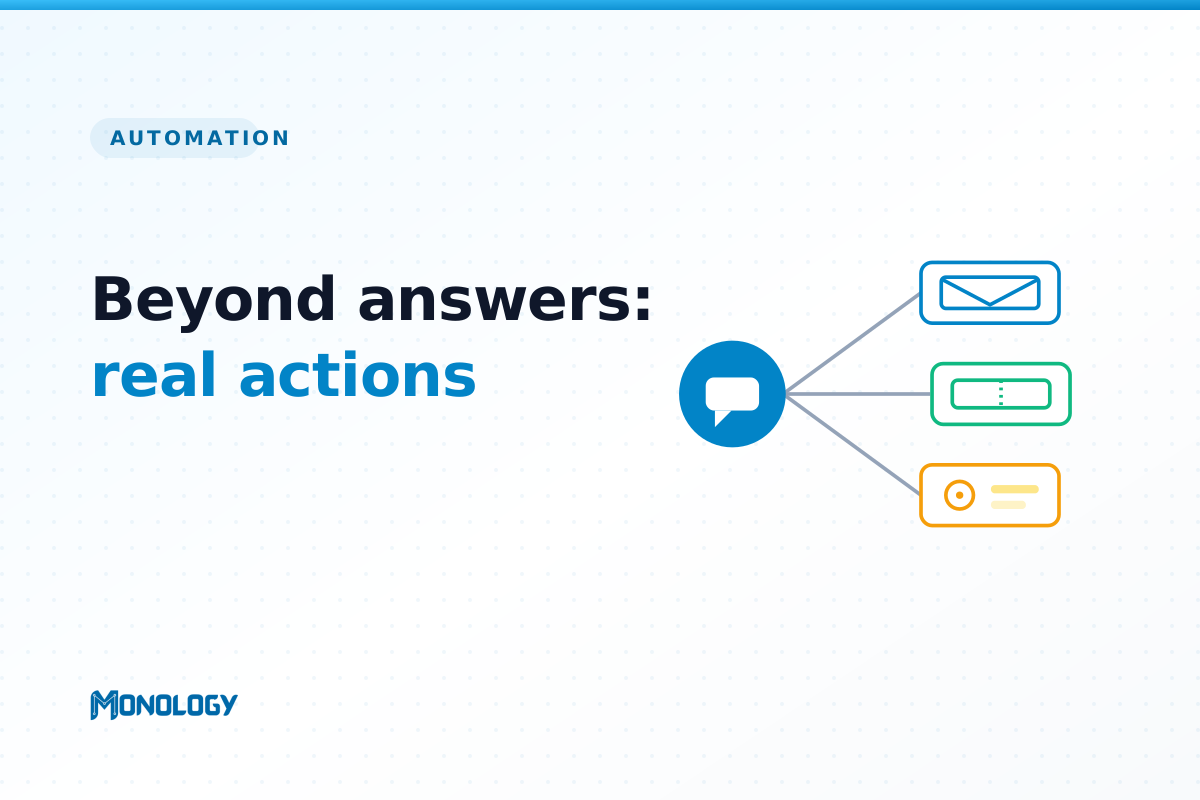
The chatbots that genuinely move the needle for a business do not stop at answering. They act. Mid-conversation, they create the ticket, send the email, update the CRM, and alert the right person — so the conversation ends with completed work, not a to-do list. This is the difference between a chatbot that talks and one that works.
Why chat-only bots hit a ceiling
A chatbot that can only answer questions delivers real but limited value. It deflects some tickets and saves some time. But the moment a conversation needs something to happen — a record created, a team notified, a process kicked off — a chat-only bot hands the work straight back to a person. The customer has to repeat themselves, and your team has to copy information from a transcript into another system by hand.
That manual follow-up is where time quietly leaks away. Answering the question was never the whole job; completing the task was.
What ‘actions’ actually means
An action-taking assistant can reach into the tools you already use and do real operations during a conversation. In practice that looks like:
- Creating and updating tickets in your help desk, so a support conversation becomes a tracked ticket automatically.
- Sending emails — a confirmation to the customer, a summary to your team — without anyone drafting them.
- Posting alerts to Slack or Teams the instant something urgent or high-value comes through.
- Updating your CRM with a new lead and its full context, so nothing is re-keyed.
- Calling any other system through a standard API, so the assistant can trigger a workflow specific to your business.
What this looks like across a B2B business
The same capability pays off in different departments:
- Support: the assistant captures the issue, creates a ticket, emails the customer a confirmation, and posts a Slack alert if the issue is urgent — all before a human touches it.
- Sales: it qualifies a visitor, pushes the lead straight into your CRM, and notifies the right rep to follow up while interest is high.
- Operations: a routine internal request — access, a status change, a form submission — triggers the downstream workflow automatically instead of waiting in someone’s inbox.
How it works, simply
Under the hood it is less complicated than it sounds. The assistant gathers the information it needs through the conversation and any forms along the way. Then an action step passes that information — the customer’s name, the issue, the details they entered — to the external system, authenticated securely. If the call fails, it retries. The data the customer already gave becomes the data that fills the ticket or the CRM record, with no copy-paste in between.
Design principles worth following
Actions are powerful, which means they deserve a little discipline:
- Only automate actions you would trust. Start with safe, additive ones — creating a ticket, sending a confirmation, notifying a team.
- Put a confirmation before anything irreversible. Creating a record is safe; cancelling a subscription is not. Keep a human or an explicit confirmation in the loop for high-stakes actions.
- Pass the full context. The whole point is that the customer does not repeat themselves — so carry everything they said into the action.
- Log everything and mind your permissions. Use proper authentication, give the integration only the access it needs, and keep a record of what was done.
Why this is where the ROI lives
Ticket deflection gets all the attention, but action-taking is often where automation quietly pays for itself. It removes the manual follow-up work — the re-keying, the dropped handoffs, the ‘who was supposed to action this?’ — that eats your team’s hours long after the conversation ends. Answering is table stakes. Acting is the differentiator.
Start small
You do not need to automate everything at once. Pick one high-frequency action — creating a support ticket is a great first step — get it working reliably, and expand from there. Each action you add turns another category of manual work into something that just happens.
Monology’s action step is built for exactly this: send emails, post to Slack, create tickets in your help desk, or call any REST API with proper authentication, passing the conversation’s data through as it goes.