Here is an uncomfortable truth about AI chatbots: when one gives a wrong answer, the model is rarely the problem. The content behind it is. An AI assistant answers from your knowledge base, and if that knowledge base has holes, unclear wording, or information the system cannot find, the assistant’s answers inherit every one of those flaws.
Most chatbot failures are content failures. The highest-leverage thing you can do to improve a chatbot is not swapping the model — it is auditing the knowledge base behind it. Here is how to do that before your customers find the gaps for you.
The three ways a knowledge base fails
Knowledge-base problems fall into three categories, and it helps to name them because each has a different fix.
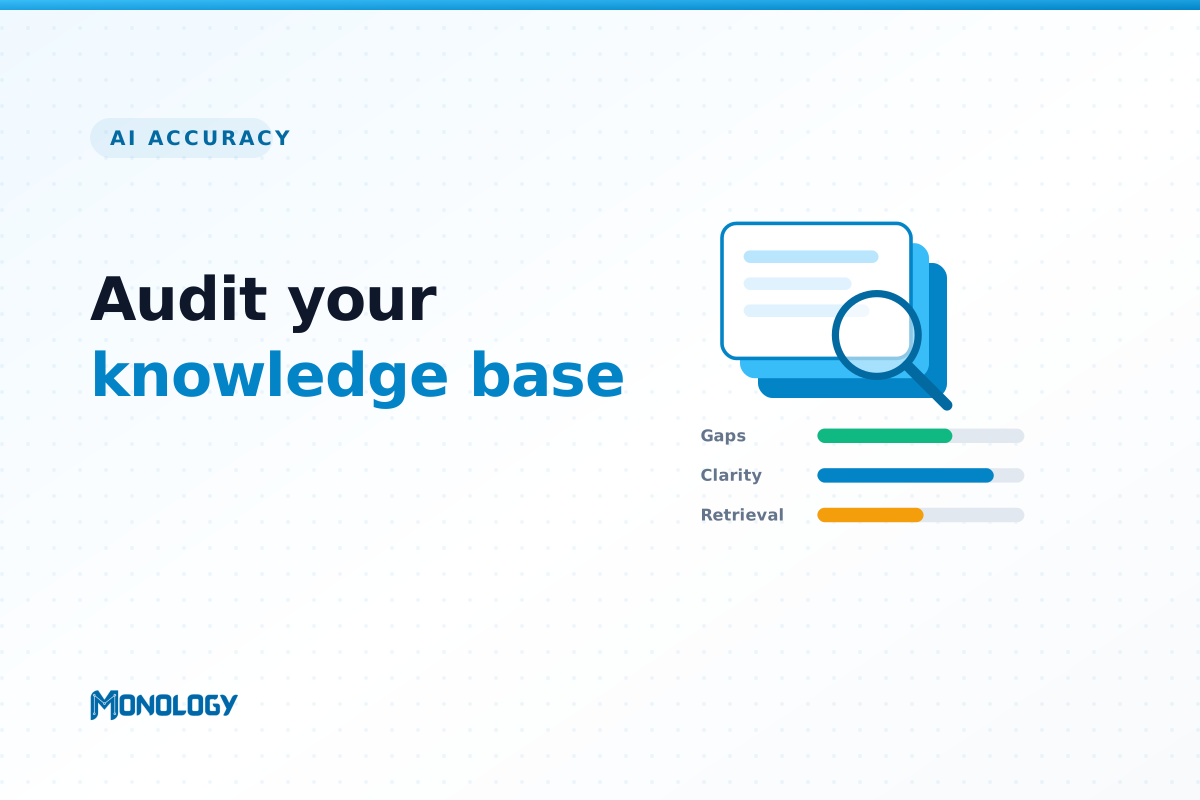
- Gaps. A customer asks something your knowledge base simply does not cover. With nothing to draw on, the assistant either escalates unnecessarily or, worse, invents an answer.
- Clarity. The information exists, but it is vague, outdated, or contradicts another document. The assistant faithfully serves up the confusion, giving answers that are wrong or that conflict depending on how the question is asked.
- Retrieval. The content exists and is clear, but the system cannot find it — because it is buried in a giant document, poorly labelled, or duplicated across pages. The right answer is there; the assistant just never surfaces it.
A good audit checks for all three.
Step 1: Start from real questions
Do not audit your knowledge base by reading it top to bottom. Audit it against what customers actually ask. Pull your most common real questions from support tickets, chat transcripts, on-site search queries, and the FAQs your sales team answers over and over. That list is the yardstick. For each question, ask a simple thing: does the knowledge base answer this clearly and correctly?
Step 2: Find and fill the gaps
Go through your list and flag every question that has no good source behind it. These are your gaps, and they are the most damaging failure because they are what push an assistant toward guessing. Writing the missing answers is the fix — and it improves your human support and self-service content at the same time.
Step 3: Check for clarity
For the questions that are covered, check the quality of the answer. Is it current? Is there exactly one source of truth, or do three different pages say three slightly different things? Contradictions and stale information are worse than gaps, because they produce confident, wrong answers. Consolidate duplicates, retire outdated content, and make each important answer unambiguous.
Step 4: Test retrieval directly
Now test the assistant itself. Ask it your list of questions and watch where it stumbles even though you know the content exists. When that happens, the problem is structure, not substance: the content is there but hard to find. Break up oversized documents, add clear headings, remove duplicate pages, and label things the way customers phrase them rather than the way your team does internally.
Step 5: Mine the ‘I don’t know’ log
Your chatbot is constantly telling you where its knowledge base is weak — you just have to listen. The conversations where it declines to answer or escalates are a live, running list of gaps and retrieval failures. Review them regularly and feed them straight back into your content. This single habit will improve your knowledge base faster than any one-off audit.
Make it a loop, not a one-off
A knowledge base is never finished. Every new feature, price change, policy update, and seasonal question creates fresh gaps. Treat the audit as a short monthly loop rather than a big annual project: review the new questions, fill the new gaps, tidy anything that has gone stale. A little maintenance keeps accuracy high permanently.
Let AI help with the audit
Reviewing a large knowledge base by hand is slow. This is one area where AI can audit AI: an automated health check can scan your content and score it for gaps, clarity, and retrieval quality, then even suggest the FAQs you are missing — turning a tedious manual review into something you can run in minutes and repeat often.
The bottom line
Auditing your knowledge base is the highest-leverage hour you can spend on your chatbot, because it improves every answer at once. A grounded assistant is only as trustworthy as the content it stands on — so fix the content, and accuracy takes care of itself.
Monology includes a knowledge-base health check that scores your content for gaps, clarity, and retrieval, and auto-generates FAQs from what you upload — so you can find and fix the weak spots before a customer ever runs into them.