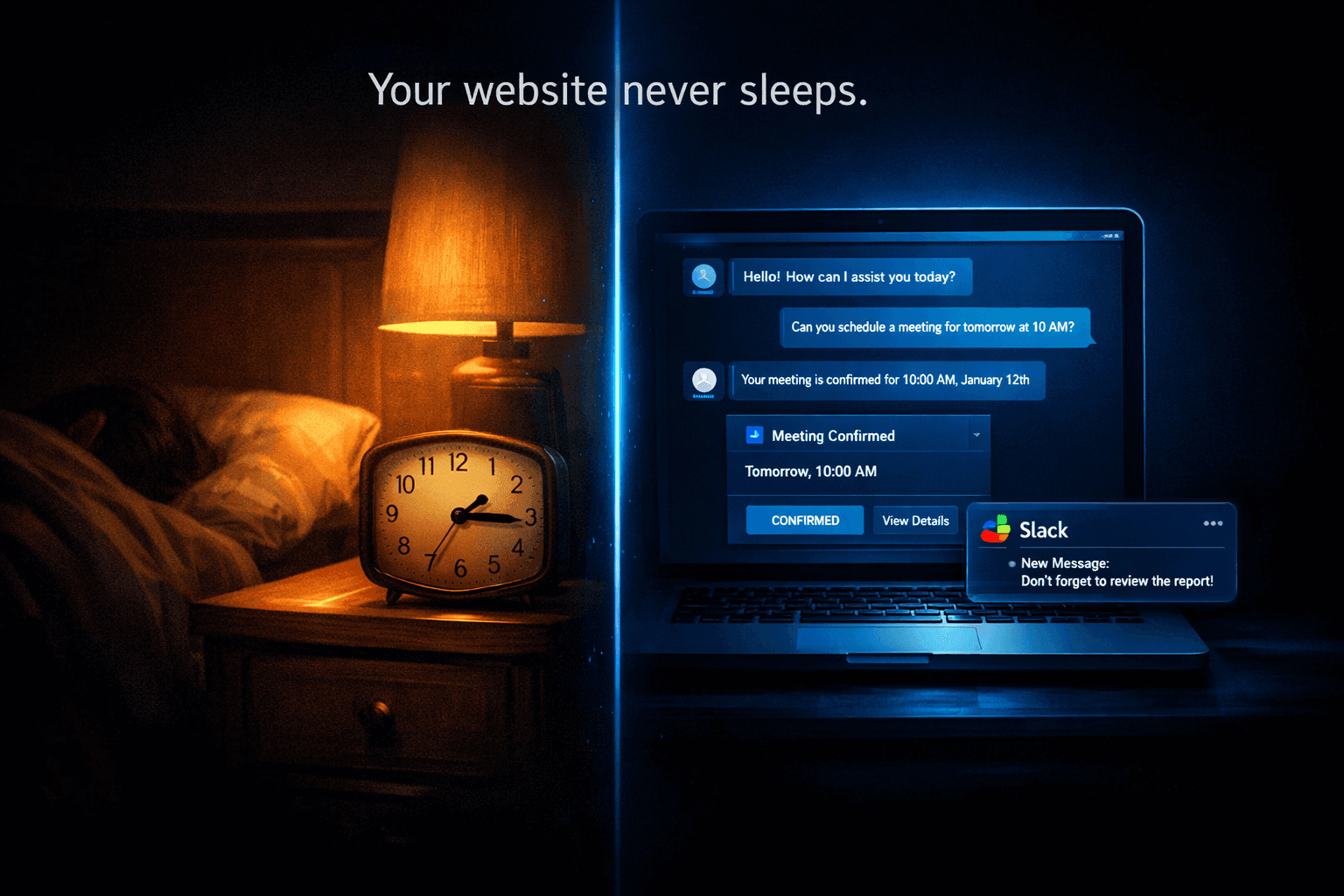
It was 11:47 PM on a Tuesday when I got the Slack notification.
A lead had come in. Budget qualified. Timeline confirmed. Meeting booked for the next morning at 10 AM.
I was already in bed.
I hadn't touched my phone in three hours. I hadn't responded to a single message. I hadn't done a single thing — and yet, my business had just closed the top of funnel on what turned out to be a $12,000 project.
That's when I realized: my website wasn't a brochure anymore. It was a team member.
I run my business solo. No VA, no sales rep, no support agent. For a long time, that meant I was the bottleneck for everything — every inquiry, every FAQ, every "can we hop on a call?" message that came in at odd hours. I was losing leads I never even knew existed because I simply wasn't available 24/7.
Then I spent one weekend setting up five automated workflows using Monology. No code. No developer. No expensive agency.
Here's exactly what I built, how I built it, and what changed.
Why I Finally Stopped "Checking My Inbox" and Started Automating
Before I get into the five things, let me be honest about what pushed me to do this.
I kept hearing about leads that "slipped through." Someone filled my contact form at 9 PM, I responded at 8 AM — and they'd already booked a call with someone else. I was qualifying leads manually, one by one, over email. I was copy-pasting the same FAQ answers five times a week. My calendar was full of "discovery calls" that turned out to be people who weren't even close to my target client.
I wasn't scaling. I was just running faster on the same treadmill.
The problem wasn't effort. It was that I was doing work a system could do better — and faster — than I ever could as a human.
According to research on lead response times, businesses that respond within five minutes are 100x more likely to connect with a prospect than those that respond in 30 minutes. I was responding in eight hours on a good day.
So I sat down on a Saturday morning with a coffee and a free trial of Monology. By Sunday evening, my website was doing five things I used to do manually. Here's what they are.
Thing #1: It Qualifies Every Lead Before I See Them
The Problem
My calendar used to be full of 30-minute "exploratory calls" with people who had a $500 budget for a $5,000 service. Not because they were bad people — they just didn't know. And I didn't know until we were already 20 minutes into a call.
That's 30 minutes of my time, gone, every time.
What I Built
I created a lead qualification workflow in Monology that activates the moment someone lands on my contact page. It's a conversational flow — not a form, not a chatbot that says "Hi! How can I help?" — but an actual intelligent conversation that collects the right information.
The workflow asks:
- What kind of project are you looking for help with?
- What's your rough timeline?
- What's your budget range? (I give them ranges to choose from, removes awkwardness)
- Have you worked with a freelancer/agency before?
Based on their answers, the workflow does one of three things:
- Qualified lead: Sends them to my booking page immediately, notifies me on Slack, and logs them in my CRM
- Potentially qualified: Asks two more questions, then routes based on answers
- Not a fit right now: Sends them a helpful resource, wishes them well, no meeting booked — my calendar stays clear
How I Set It Up
In Monology's visual workflow builder, this was four connected nodes: a greeting agent node, a condition node that branched based on budget range, a form node to capture details, and an integration node that fired the Slack notification and CRM entry.
Total setup time: about 2.5 hours, including testing.
What Changed
My discovery call conversion rate went from roughly 15% to 47% — because I'm only talking to people who are already a fit. My calendar has fewer calls, but every call is worth having.
Thing #2: It Answers FAQs Instantly — Day or Night
The Problem
I used to get the same 12 questions over and over. Pricing. Turnaround time. What's included. Do I offer revisions. Do I work with international clients. What tools I use.
I was answering these manually. Every. Single. Time.
I once counted: I spent 3.5 hours in one week copy-pasting variations of the same six answers. That's almost half a workday, gone, on questions my website should have been able to answer.
What I Built
I uploaded a knowledge base to Monology — essentially a structured document with all my FAQ answers, service descriptions, process explanations, and pricing context. Then I connected it to an AI agent node in my chatbot workflow.
Now when someone asks "How long does it take?" or "Do you do X?" — they get an accurate, helpful answer instantly. The AI pulls from my knowledge base, so the answers are always in my voice, always accurate, never hallucinated.
If someone asks something that isn't in the knowledge base, the workflow falls back gracefully: "That's a great question — let me have Marcus answer that personally. Can I grab your email?"
How I Set It Up
Monology lets you upload PDFs, CSVs, or paste in plain text as a knowledge source. I spent about 90 minutes writing out every FAQ I could think of in a Google Doc, exported it as a PDF, and uploaded it. Then I linked it to an agent node in my workflow.
The whole setup, including testing, took one afternoon.
What Changed
FAQ emails dropped by about 60%. The ones that still come through are genuinely complex questions I'm happy to answer — because they usually signal a serious client. Everything else is handled before it reaches my inbox.
Thing #3: It Books Meetings Without Back-and-Forth Emails
The Problem
The "meeting scheduling dance" is one of the most painful things about running a service business.
"Are you free Tuesday?" → "I can do Tuesday afternoon." → "How about 2 PM?" → "I'm actually busy at 2, what about 3?" → "3 works, but which timezone are you in?"
This exchange, which should take 30 seconds, often takes three days of back-and-forth. And every hour of delay is an hour the prospect is cooling off.
What I Built
After a lead qualifies in my workflow (Thing #1), instead of saying "I'll be in touch to schedule a call," the chatbot directly offers available slots — integrated with my calendar.
The workflow uses Monology's integration node to connect with my calendar. The prospect picks a slot, gets a confirmation email, and it's done. No back-and-forth. No timezone confusion. No friction.
If they qualify outside business hours, they can still book immediately. The meeting is already on my calendar when I wake up.
How I Set It Up
Monology's integration node connects via API to calendar tools. I set up the connection in about 45 minutes, including creating the confirmation email template and testing a few test bookings. The hardest part was writing a good confirmation email — the technical setup was genuinely straightforward.
What Changed
The gap between "initial inquiry" and "meeting booked" went from an average of 2.3 days to under 4 minutes. I now frequently wake up to meetings already confirmed — sometimes booked at midnight by people in different time zones who found me through search.
Thing #4: It Separates Clients from Job Applicants Automatically
The Problem
This one surprised me when I first realized it was happening.
A significant portion of my contact form submissions weren't leads — they were people looking for jobs, internships, or collaboration opportunities. Nothing wrong with that, but they were landing in the same inbox as paying clients, and I was spending time sorting through them manually.
On a bad week, 40% of my form fills were non-client inquiries. That's a lot of noise.
What I Built
Monology's core strength is intent classification — identifying whether someone is a potential client, a job seeker, a partner, or something else, based on how they engage with your site.
I built a routing workflow at the very top of my chatbot flow. The first thing my AI agent does is understand why someone is visiting. Based on that intent, it routes them to completely different conversation paths:
- Potential client → Lead qualification flow (Thing #1)
- Job applicant → A friendly "here's how to apply" flow that collects their info and sends them a follow-up resource
- Partnership/collaboration → A short form that captures the idea, sends me a summary notification
- General question → FAQ flow (Thing #2)
How I Set It Up
This was the workflow I was most nervous about — intent classification sounds complex. But in Monology, it's handled by the AI agent node. I just had to define the intents in plain language, describe what each one means, and connect the condition nodes to the right downstream paths.
Setup took about 3 hours, mostly because I was being very careful about edge cases. In practice, the classification accuracy has been remarkably high.
What Changed
My inbox is cleaner. My response time to actual client leads improved because I'm not sorting through noise. And people who were looking for jobs or partnerships get a better experience too — instead of waiting days for a manual reply, they get an immediate, helpful response.
Everyone wins.
Thing #5: It Follows Up With Leads Who Don't Book Immediately
The Problem
Not every qualified lead books a meeting the first time. Sometimes they're just researching. Sometimes they got interrupted. Sometimes they wanted to think it over.
Before, those people would just... disappear. They'd had a good conversation with my chatbot, almost booked, and then closed the tab. I had no way to follow up because I didn't have their contact info — they left before sharing it.
What I Built
Earlier in the qualification flow, before asking the booking question, my workflow collects the visitor's name and email as part of the conversation. It's framed naturally: "Before I show you available slots, can I grab your name and email so I can send you the meeting confirmation?"
Almost everyone says yes — they want the confirmation anyway.
If they then don't book (they close the chat, or say "I'll think about it"), a follow-up sequence triggers automatically. They get a friendly email 24 hours later: "Hey, I noticed you didn't get a chance to book — here's the link if you'd like to chat." No pressure. Just a helpful nudge.
If they still don't book, one more email goes out at day 4. After that, silence — I don't want to be annoying, I want to be helpful.
How I Set It Up
This required combining Monology's form node (to capture email early in the conversation), a condition node (did they book or not?), and an integration with my email provider via SMTP. The email templates took about an hour to write — I wanted them to sound like me, not like a marketing automation tool.
Total setup: about 2 hours.
What Changed
Roughly 18% of leads who don't book immediately end up booking after the follow-up sequence. These are people who were genuinely interested but got distracted — and the automated nudge was the only reason they came back.
Before this workflow existed, I was losing all of them.
The Full Picture: What My Website Now Does While I Sleep
Let me put this all together. Here's what happens when someone lands on my website at 11 PM on a Wednesday:
- The chatbot greets them and immediately identifies their intent — client, applicant, partner, or general inquiry
- If they're a potential client, they enter the qualification flow — budget, timeline, project type collected conversationally
- If they qualify, they're offered my available meeting slots and can book instantly
- If they don't book immediately, their email is already captured — follow-up triggers automatically
- Throughout, any FAQ they ask is answered instantly from my knowledge base
- At every stage, I get a Slack notification so I wake up with full context, not a cold inbox
The whole system runs without me. I show up in the morning to confirmed meetings, qualified leads, and a clean inbox — instead of a pile of mixed messages I have to sort, reply to, and chase.
How Long Did This Actually Take?
I want to be honest here, because "I built this in a weekend" can sound like marketing fluff.
Here's the real breakdown:
| Task | Time Spent |
|---|---|
| Setting up Monology account + exploring the builder | 1.5 hrs |
| Building the intent routing workflow | 3 hrs |
| Building the lead qualification flow | 2.5 hrs |
| Writing and uploading the FAQ knowledge base | 2 hrs |
| Setting up calendar integration + testing | 1 hr |
| Building the follow-up email sequence | 2 hrs |
| Testing everything end-to-end + fixing edge cases | 2 hrs |
| Total | ~14 hours across Saturday + Sunday |
That's a full weekend of focused work. Not a quick afternoon project. But it's also a one-time investment that has been running — and generating leads — every single day since.
If I'd hired a developer to build this from scratch, the estimate would have been $8,000–$15,000 and six to eight weeks. With a no-code platform like Monology, I did it myself for the cost of a monthly subscription.
What I'd Do Differently
A few things I learned the hard way that you can skip:
Write your FAQ document before you start building. I tried to build the chatbot first and add the knowledge base later. It's much easier to have the content ready before you wire up the workflow.
Test with realistic messy inputs, not perfect ones. I kept testing with clean, well-formatted questions. Real users type in half-sentences, make typos, and go off-script. Test that way too.
Start with the routing workflow first. Getting intent classification right at the top of the flow makes everything downstream cleaner. If you start with the qualification flow and add routing later, you'll rebuild things you already built.
Don't automate your personality out of it. The FAQ answers, the follow-up emails, the chatbot greeting — they should all sound like you. Spend the extra time writing them in your actual voice. That's what separates a helpful automated system from a cold, forgettable one.
Is This Only for Solopreneurs?
Not at all. I've described this from a solo business owner perspective because that's my experience, but these five workflows apply to any small team — a 3-person agency, a bootstrapped SaaS, a consulting firm with two partners.
In fact, for small teams, the ROI is even more obvious. Every hour your team spends manually qualifying leads or answering FAQ emails is an hour not spent on the work that actually grows the business.
The businesses using conversational AI workflows aren't necessarily the biggest ones. They're just the ones who stopped treating their website like a static brochure and started treating it like a 24/7 team member.
Where to Start If You Want to Build This
If you're reading this and thinking "I need this," here's the order I'd suggest:
- Start with the FAQ knowledge base. It's the lowest-risk, highest-impact thing you can ship first. Write down every question you answer repeatedly and upload it. Even a basic FAQ chatbot saves hours weekly.
- Add intent routing. Once you have the knowledge base working, add a routing layer at the top so the right people reach the right flow.
- Build the qualification flow. This one has the most direct revenue impact. A qualified lead that books automatically is worth far more than one you have to chase manually.
- Connect your calendar. Remove the scheduling friction. This is a two-hour setup that pays back immediately.
- Add the follow-up sequence last. It requires the other pieces to be working first, and it's the most nuanced to get right.
You don't have to do all five in one weekend. Even just the first two will meaningfully change how your website works for you.
The Mindset Shift That Made All of This Possible
The biggest change wasn't technical. It was how I started thinking about my website.
I used to think of it as a place people came to learn about me. Now I think of it as a place that works for me — qualifying, educating, routing, booking, following up — while I'm focused on the actual work.
Your website is already open 24/7. The question is whether it's doing anything useful during those hours, or just sitting there waiting for you to show up in the morning.
One weekend changed that for me. It can change it for you too.
If you want to start building, Monology offers an 11-day free trial — no credit card required. The visual builder is genuinely beginner-friendly, and the platform is built specifically for this kind of conversational workflow automation.
Your next lead might arrive at 2 AM. The question is: will your website be ready?